
World of Warcraft: Forever add-on
Packmule
What your friends need, right in your bags.
Hover any item and see who in your circle needs it for a quest or a profession, who has some in the bank, and who can craft it. At the mailbox, one click fills the mail. Nothing to set up.
- Free
- WoW: Forever 1.60
- Zero setup
- One-click mail
- 51 KB
Sound familiar?
You sold twenty Linen Cloth for a few coppers.
An hour later your friend asks the guild for cloth for her bandages.
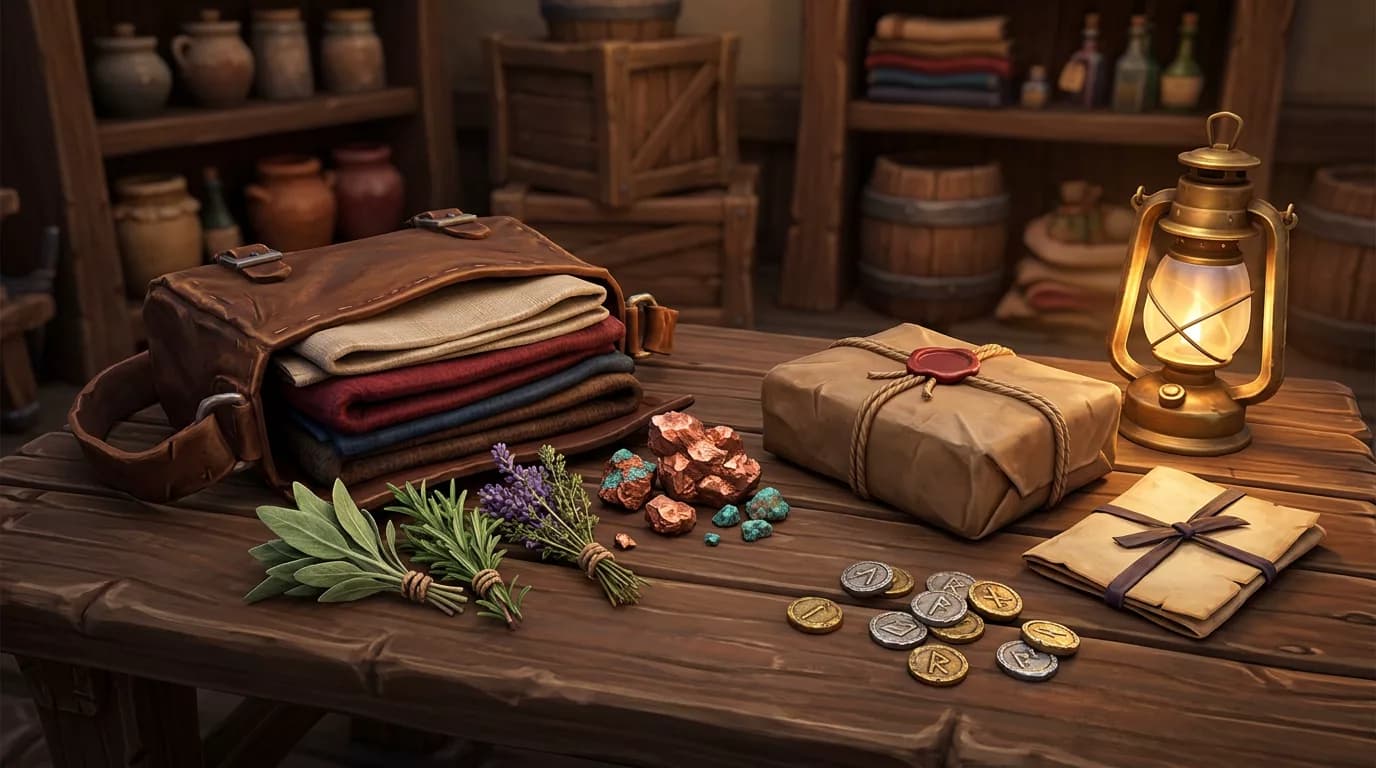
Packmule keeps everyone's shopping list in the item tooltip. Quest items your friends still collect, materials for their next skill-ups, who has a stack in the bank, and who can craft the thing you need. You see it when it matters: before you sell, when you loot, at the mailbox.
 Sold: 20 × Linen Cloth for 20 copper
 [Wynna] whispers: anyone got linen? need 6 for bandages

Try it
Hover an item. See who needs it.
This is your bag. Point at an item (or tap it) to see the tooltip with the Packmule lines, exactly as in the game. Then switch to the mailbox or the loot alert.
Your bags
Hover or tap an itemYour circle

Thornak
In your group · Mining 70
Wynna
Friend · Alchemy 58 · First Aid 74

Kaelra
Friend · Tailoring 112

Bramblepaw
Your alt · Blacksmithing 58
 Packmule
- Wynnaneeds 6 · Bandages for Sen'jin
- KaelraTailoring 112 · skill-up
- Thornakhas 40 (12 in bank)
What is going on
Wynna still needs six for a quest and Kaelra levels Tailoring with it. Thornak has a big stack in the bank, so you can keep yours.
Names and numbers are examples. Friends see your data only when they run Packmule too.
What it does
Your circle's shopping list, everywhere you look
Quest items
Items your friends still collect for quests, with how many they still need and for which quest.
Profession skill-ups
Materials for their next skill-ups, read from their own recipes. A need ends by itself when the recipes turn grey.
Who has it
Counts of trade goods and reagents in your friends' bags and bank, and in your alts' banks.
Who can craft it
Hover a potion, a bag or a bolt of cloth and see which friend or alt knows the recipe.
Loot alerts
A small banner when you pick up something a friend needs. Never for things you need yourself.
One-click parcels
Next to the mailbox: everything your friends and alts need from your bags. One click fills the mail with the exact amount.
Your alts included
Your other characters on the account count like friends, with their professions, quests and bank.
Friends, group and guild
Friends and Battle.net friends sync by themselves. Your group syncs while you play together. Guild sync is optional.

How it works
Three steps, then you forget it is there
- 1
Install it, with your friends
Everyone who wants to share installs Packmule. There is nothing to set up.
- 2
Open your professions once
Packmule reads your recipes the next time you open each profession window. Quests and bags it reads by itself.
- 3
Play
Tooltips, loot alerts and the mailbox list show what your friends and alts need. It stays up to date in the background.
What is shared
Only what helps, only with your friends
Packmule talks only to friends on your friends list, Battle.net friends on your realm, your group, and your guild if you turn that on. There is no server and no website in between.
Inside dungeons and raids the game blocks add-on messages. Packmule waits and sends your updates when you leave. Bag counts are sent at most every two minutes.
Shared
- Items you need for quests and skill-ups
- Counts of trade goods and reagents (you can turn this off)
- What your professions can craft, and your skill levels
Never shared
- Gold, gear and the rest of your bags
- Your location or what you are doing
- Anything with players outside your circle
Commands
Everything works without them
Settings are in the game options under AddOns, or type /pm.
Defaults
Tooltips show needs, crafters and stock from alts, friends and your group. Loot alerts and the mailbox list are on. Guild sync is off.
/pm- Opens the settings.
/pm status- Shows what Packmule knows: your characters, friends who run it, your professions.
/pm inspect <item link>- Writes the Packmule lines for an item to chat.
/pm sim- Adds four pretend friends who need items from your bags, so you can see every feature alone.
/pm sim clearremoves them. /pm toast- Shows a test loot alert.
/pm sync- Greets your friends and group again.
/pm fulltest- Checks everything Packmule uses in your game and saves a report for bug reports.
/pm forget- Removes all data of other players.
Download
Get Packmule
Free, no account, no ads. Install it together with your friends.
- Version
- 1.0.0
- Size
- 51 KB
- Updated
- October 27, 2026
- Files
- 14
Game versions
Made for World of Warcraft: Forever 1.60
d25cecc98afa71b80439c48e11c12a0b4cc1c0f91b77735c21b3ccc04a6a97a3
Use the checksum to check that your download is complete.
How to install
- 1Download and unzip the file.
- 2Move the
Packmulefolder into_forever_/Interface/AddOns. - 3Start the game and check AddOns on the character screen.
Questions
Questions and answers
Is Packmule free?
Yes. No ads, no account, no paid version. The code is open under the GPL-3.0 license.
Do my friends need Packmule too?
Yes, to see their needs and stock. Your own alts work right away, because they share your account.
How does it know what my friends need for quests?
Each player's Packmule reads their own quest log: every item objective that is not done yet, with the count still missing. Friends' tooltips match it by the item's name.
How does it know what they need for professions?
When someone opens a profession window, Packmule reads their learned recipes. Materials of recipes that still give skill (orange and yellow) count as needs. When the skill passes the level where those recipes turn grey, the need goes away by itself.
Can my friends see everything in my bags?
No. Only counts of trade goods and reagents, and of items a friend needs. You can turn that off in the settings. Gear, gold and everything else stay private.
Does Packmule send mail for me?
No. The game does not allow add-ons to send mail. Packmule fills in the recipient, subject and attachments, and you press Send.
Why does thread never show up?
Thread, dyes, vials, flux and spices come from vendors for a few coppers. Nobody needs to mail them, so Packmule leaves them out.
Does it slow down my game?
No. Tooltip lookups use a small index, and messages are paced well under the game's limits.
Which game versions does it support?
World of Warcraft: Forever. It uses the modern profession and quest functions of the Forever client.
Does it work together with GearRadar Forever?
Yes. GearRadar shows gear upgrades, Packmule shows materials and quest items. Both add their own lines to the same tooltip.
Is the add-on in English?
The add-on's texts are in English for now. Item names come from your game, so they match your game language.
Changelog
What's new
v1.0.0 First release
- Tooltips show who needs an item for a quest or a profession skill-up, who has it and who can craft it
- Reads recipes, quest items, bags and bank by itself
- Loot alert when you pick up something a friend or alt needs
- Parcel list at the mailbox fills a mail with one click
- Syncs with friends, Battle.net friends, your group and optionally your guild

Never vendor what a friend needs.
Install Packmule with your friends and let your bags do the talking.
Download v1.0.0