
Free add-on for World of Warcraft: Forever
GearRadar Forever
See who needs an item before you sell it.
Hover any item and GearRadar tells you who it is an upgrade for: you, your alts or your friends. With the exact percent and the item it replaces. It reads talents and gear by itself, so there is nothing to set up.
- Free
- WoW: Forever 1.60
- Zero setup
- All 9 classes
- 67 KB
Sound familiar?
You just sold these bracers. For three silver.
Turns out, they were your best friend's biggest upgrade.
GearRadar Forever makes sure it never happens again. It checks every item you hover against everyone you play with.
 You sold [Stormhide Bracers] for 3s 20c.
 [Kaelra] whispers: did you loot the Stormhide Bracers?? +46% for me!!
Try it right here
Hover an item in the bag
This is the tooltip GearRadar adds in the game. Hover or tap an item. Then press Alt or use the pin button to lock the tooltip and look at what your friends wear right now.
Backpack
Hover or tap an itemYour group
Aldric
Lv 45 Paladin · You
- +46%
Kaelra
Lv 45 Rogue · Friend
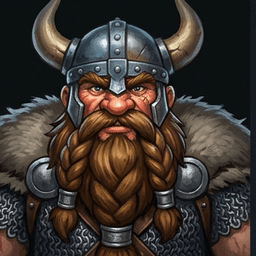
Thornak
Lv 45 Warrior · In your group

Wynna
Lv 45 Priest · In your group
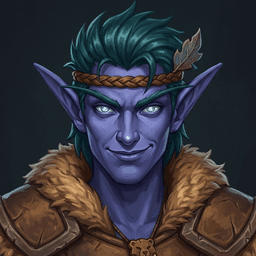 +31%
+31%Bramblepaw
Lv 42 Druid · Your alt
- Kaelra (Combat): +46% vs [Wolf Bracers of the Tiger]
- Bramblepaw (Alt • Off-Spec Cat • Lv 42 -> Lv 44): +31% vs [Rough Leather Bracers]
What this example shows
A rare bind-on-equip drop. GearRadar checks everyone: your friend Kaelra gains 46 percent, and your druid alt could wear it in two levels.
Preview built from the add-on's real tooltip format. Item names and characters are examples.
Features
Everything in one tooltip
Upgrades in every tooltip
Bags, loot window, vendors, quest rewards, chat links and the auction house. Wherever you hover an item, you see who it helps.
Your alts count too
Every character you log in is remembered, with main spec and off-spec. Items up to 5 levels ahead show with "Lv 42 -> Lv 44".
Friends sync on their own
Friends, Battle.net friends, party, raid and guild members who run GearRadar share their gear with you. Nobody has to press a button.
Loot roll badge
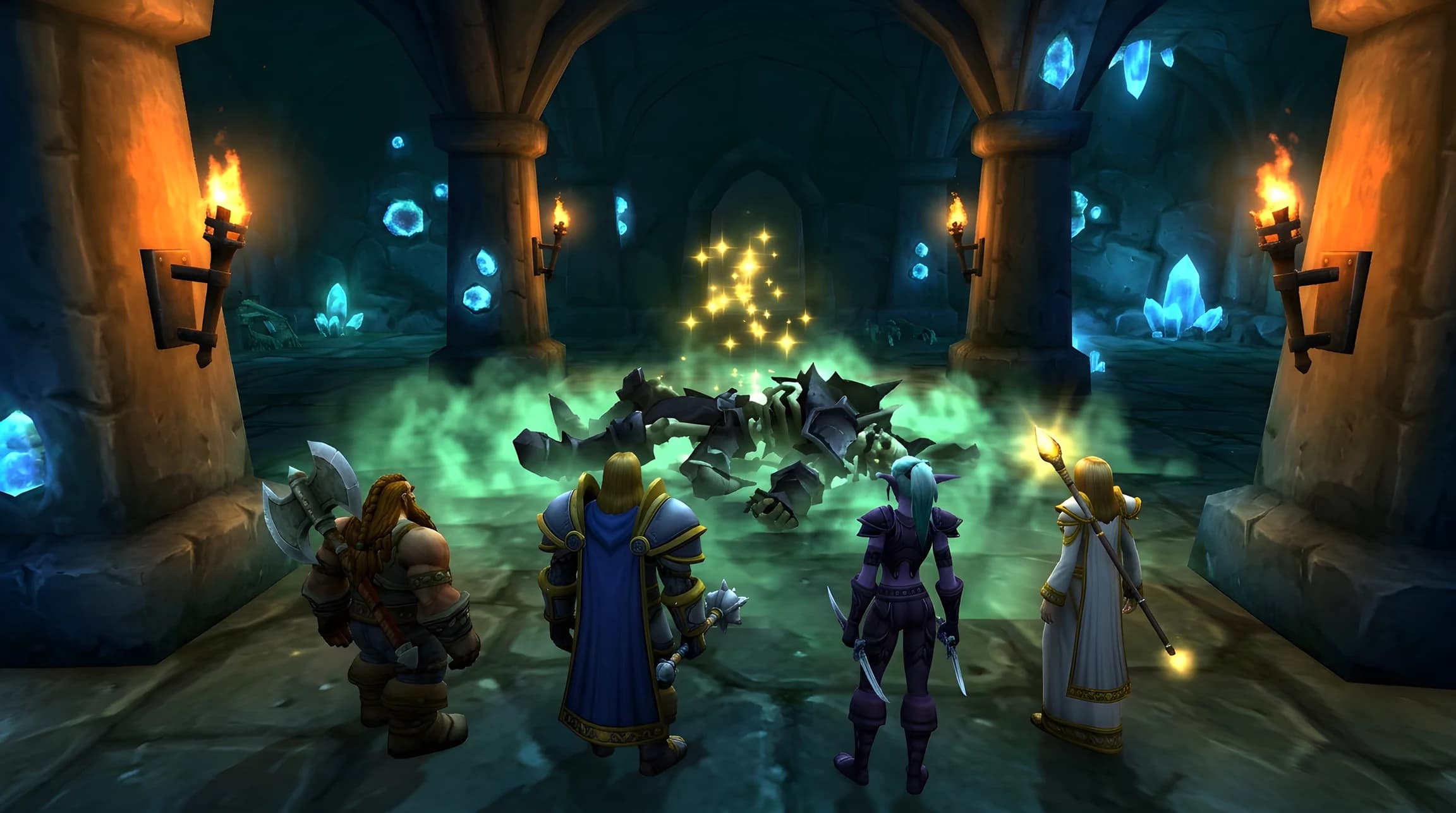
In dungeons the roll window shows who the item is for, like "+38% Thornak". No more need-or-greed guessing.
Tap Alt to pin
Lock the tooltip and hover a name to see what that person wears now. Shift-click links it in chat, Ctrl-click opens the dressing room.
Knows your spec
Reads talent points, weapon layout and stats. Notices when you put on a healing or tank set and saves it as your off-spec.
Smart weapon math
Two-handers are compared with main hand plus off-hand together. One-handers are compared with your weaker hand when you dual-wield.
Cleans up after itself
Characters you have not seen for 60 days are removed at login. Your own alts are always kept.
How it works
Three steps, no settings
- 1
Install it with your friends
Download the zip and put the folder into Interface/AddOns. Tell your friends and guild to do the same.
- 2
Just play
GearRadar reads your talents and gear in the background and shares updates with friends who run it.
- 3
Hover any item
The tooltip shows who it is an upgrade for. Sell, trade or roll with confidence.
Trailer
55 seconds, one pair of bracers
GearRadar Forever in 55 seconds: hover an item, see who it is an upgrade for, roll on dungeon loot with confidence and trade the bracers to the right friend.
The rules
Who gets checked, and when
GearRadar follows the game's binding rules, so it never suggests an item someone cannot get.
| Item type | Checked for |
|---|---|
| Bind on equip, or not bound yet | You, all your alts and all synced friends, guild and group members up to 5 levels below the item's level requirement |
| Bind on pickup drop | You and synced players in your current party or raid |
| Quest items and bind on pickup quest rewards | Only your current character |
Armor types, weapon skills and relics (librams, idols, totems) are checked too, so a mage never sees a plate upgrade.
Sync and privacy
What GearRadar shares, and with whom
Sync runs over the game's own add-on messages. There are no outside servers, no website calls and no tracking.
Messages are paced well under Blizzard's limits (about 8 at once, then less than one per second) and wait during boss encounters. Friends without the add-on get one small greeting at most once a week.
Shared with other GearRadar users
- Character name, class and level
- Detected main spec and off-spec
- Equipped items as item IDs with a score
Never shared
- Your bags, bank, gold or chat
- Anything outside the game
- Anything with players who do not run GearRadar
Settings and commands
Change things if you want to
Everything works with the defaults. Open the settings with /grf config or under Esc, Options, AddOns.
Defaults
Shows upgrades for you, your alts, party, friends and guild. Raid is off. At least 1 percent, up to 5 lines. Loot roll badge on, Alt pin on, chat alert for BoE drops off.
/grf- Shows every tracked character with level, main spec and off-spec.
/grf config- Opens the settings window with filters and your VIP list.
/grf filter <source>- Turns a source on or off: self, alts, party, raid, friends, guild or onlyvip.
/grf vip <name>- Adds or removes a player on your VIP list. VIPs always show, even when their group is filtered out.
/grf pin- Turns Alt pinning on or off, handy if Alt is your self-cast key.
/grf sim- Adds six example characters so you can try GearRadar alone.
/grf sim clearremoves them. /grf inspect <item link>- Prints the full score breakdown for an item link.
Download
Get GearRadar Forever
One small zip with everything inside. Your settings stay when you update.
- Version
- 1.0.0
- Size
- 67 KB
- Updated
- October 26, 2026
- Files
- 11
Game versions
Made for World of Warcraft: Forever 1.60
The add-on file also lists Classic Era (1.15.6, 1.15.7, 1.15.9) and Anniversary (2.5.6).
3ea8f700f53d38d94921aa038f342e25a7452cfe3955a630c0d1a3cf8824fb2e
Use the checksum to check that your download is complete.
How to install
- 1Download and unzip the file.
- 2Move the
GearRadarForeverfolder into_forever_/Interface/AddOns. - 3Start the game and check AddOns on the character screen.
FAQ
Questions and answers
Is GearRadar Forever free?
Yes. It is free, with no ads, no account and no paid version. Blizzard's add-on rules also require add-ons to be free.
Do my friends need GearRadar too?
For your friends' gear, yes. GearRadar can only know what someone wears if their copy shares it. Your own alts work without anyone else.
Which game versions does it support?
GearRadar is made for World of Warcraft: Forever (patch 1.60). Its add-on file also lists the Classic Era and Anniversary clients, so it loads there too.
How does it know my spec?
It reads where your talent points are, which weapons you use (for example a shield, a two-hander or daggers), and below level 10 the stats on your gear. You never pick a spec by hand.
What data does it share?
Only with other players who run GearRadar: character name, class, level, detected specs and equipped items as item IDs with a score. It never talks to a server outside the game.
Will it slow down my game or spam the chat?
No. Results are cached, and a test with 500 tracked players keeps tooltips fast. Add-on messages are hidden from chat, paced under Blizzard's limits and held during boss fights.
I use Alt as my self-cast key. Is that a problem?
Turn off pinning with /grf pin or in the settings window. Everything else keeps working.
Why does someone not show up in my tooltip?
Common reasons: they do not run GearRadar, the item binds on pickup and they are not in your group, the item needs more than 5 levels above theirs, or their group type is filtered out (raid is off by default).
How do I update?
Download the new zip and replace the old GearRadarForever folder. Your settings and known characters are kept.
Does it work with a German, French or Spanish game client?
Yes. GearRadar reads item stats through the game's own data, which works in every client language. Its own tooltip lines are in English.
Is GearRadar allowed?
Yes. It only uses Blizzard's official add-on interface and only shows information. It never acts for you.
Changelog
What changed
v1.0.0 First public release
- Upgrade lines for you, your alts and synced friends, guild, party and raid members
- Automatic spec and off-spec detection for all nine classes
- Loot roll badge, Alt pinning with equipped-item preview and an optional chat alert for BoE drops
- Settings window with filters and a VIP list
- Friend-first sync with paced messages and sender checks
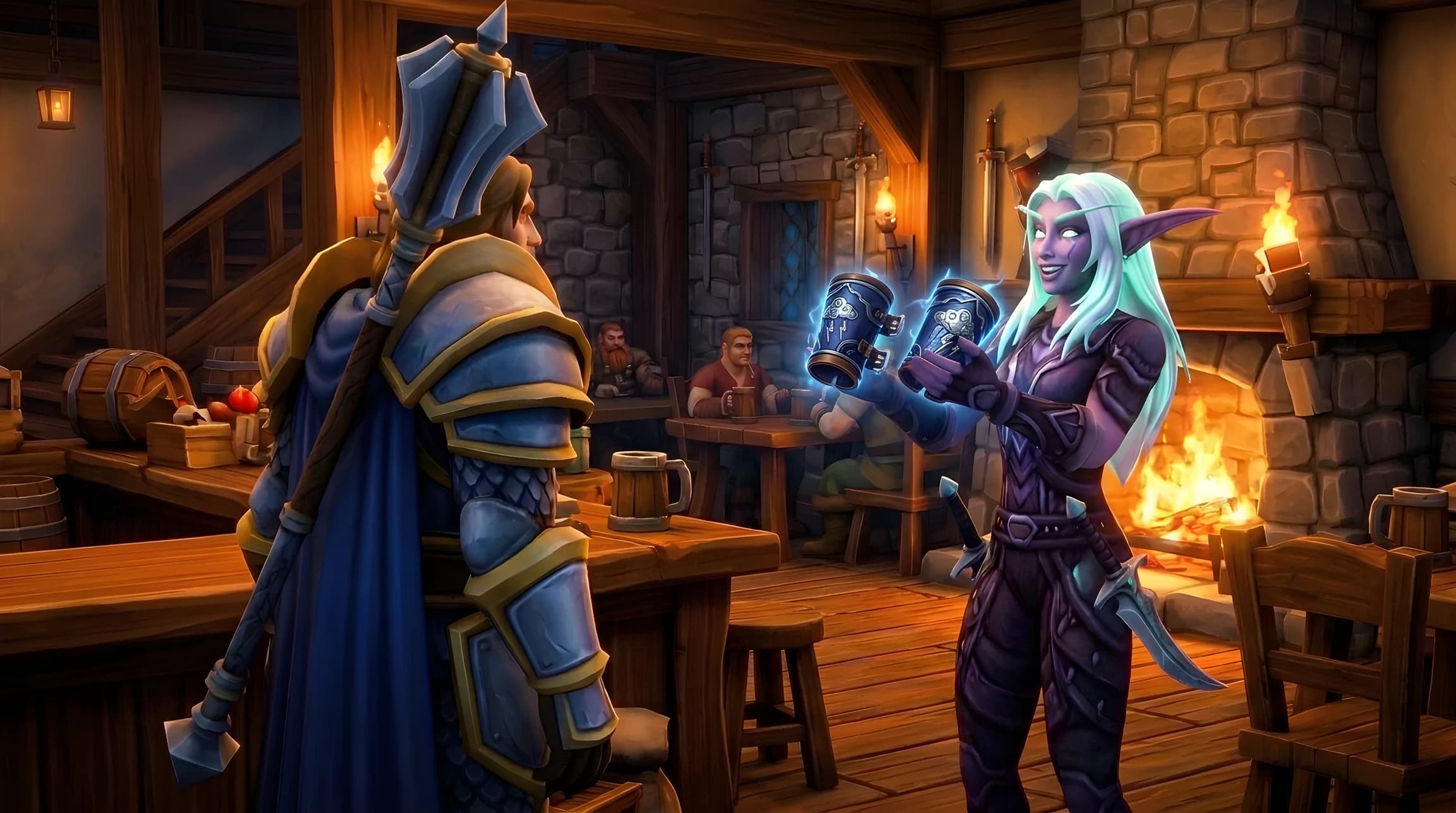
Install it with your friends
GearRadar shines when your friends run it too. Send them this page.
Download v1.0.0